Privacy
Choose what Skein sends, see exactly what each consent covers, and reset your install ID.
Skein sends nothing until you say so. It's two separate choices, and you can change either one at any time.
Answer the first-launch prompt
On first launch, a Help improve Skein dialog asks about both consents at once: Crash & error reports (with a nested Also include masked session replay checkbox) and Share usage analytics. Both are checked by default — uncheck what you don't want, then click Save. Clicking Don't send or pressing Esc declines both. Whatever you choose, Skein never asks again for that consent.
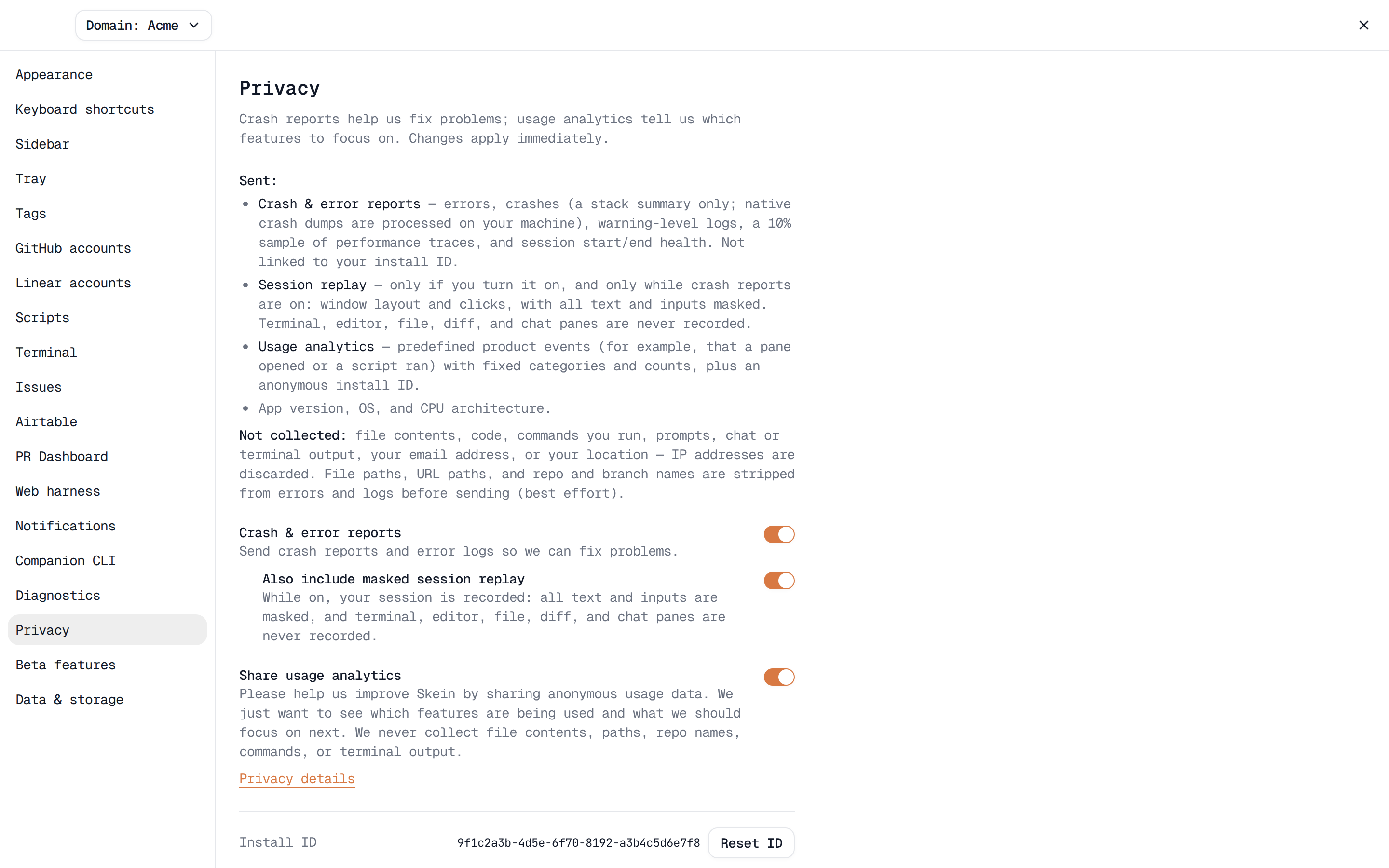
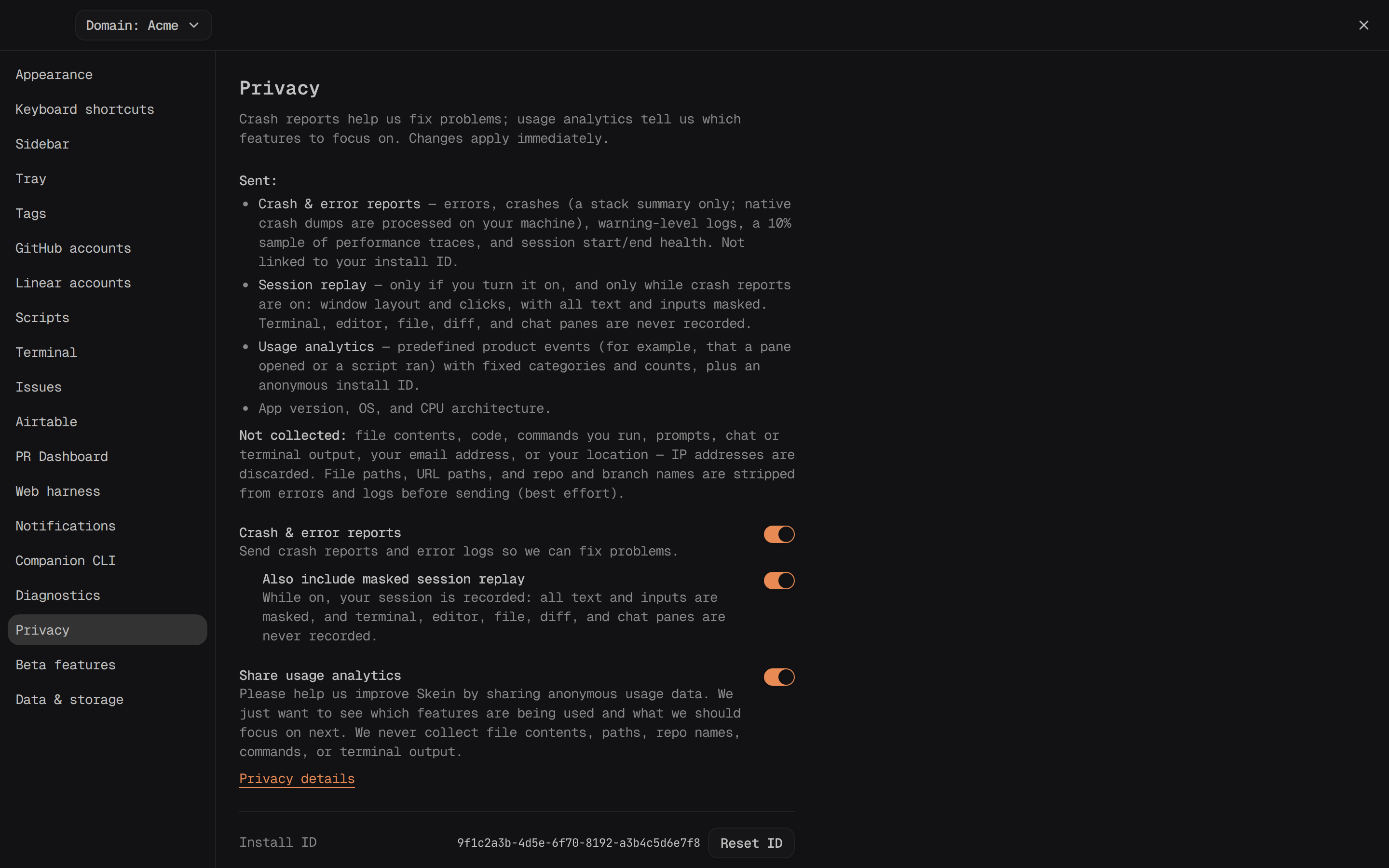
Above the toggles, a short Sent / Not collected list summarizes what each consent covers. Settings → Privacy shows the same list.
If you already answered this prompt before usage analytics existed, Skein shows a smaller one-time version with just the Share usage analytics checkbox.
Change your choice later
Open Settings → Privacy to change either consent independently:
- Crash & error reports — "Send crash reports and error logs so we can fix problems." Turning it off also turns off its Also include masked session replay sub-toggle.
- Share usage analytics — which features you use, as counts and fixed categories, never what was in a pane or what a command did. Click Privacy details underneath it for the full breakdown of what's sent.
Both toggles apply immediately — no restart required.
What each consent covers
Crash & error reports covers errors, crashes (including native crash dumps), warning-level logs, a 10%-sampled slice of performance traces, and session-start/end health events. The session-replay sub-toggle records your session (the window's layout and clicks) for as long as it's on, not just when an error happens: all text and inputs are masked, media is blocked, and the terminal, editor, file, diff, and chat panes are excluded entirely.
Share usage analytics covers which features are used — for example, that a terminal pane was opened — as enum or count properties only, never free-form content.
Neither consent ever sends file contents, commands, prompts, terminal output,
or your email address on its own. The one exception is feedback you choose to
send — see Help & feedback. Repo and branch names are dropped as fields, and we
strip file paths and URL paths from error messages and logs (a path becomes
<path:.ext>, a URL keeps only its host) — this stripping is best-effort, so
treat it as a strong filter rather than a guarantee. See Telemetry & privacy
for the complete list and who processes the data.
Feature flags and beta features
If either consent is on, Skein also checks which features PostHog has switched on for it. Joining a beta in Settings → Beta features needs Share usage analytics. See Beta features.
Reset your install ID
Settings → Privacy shows your anonymous Install ID with a Reset ID button next to it. Resetting generates a new ID, so anything Skein sends afterward can no longer be linked to what it sent before.
Phone (web harness)
The phone shell has no consent UI of its own — it follows whatever the desktop app is currently set to and sends through it.